What's new in Parsec 3.11
Parsec 3.11 is here! A Faster, Fresher Editing Experience.

Marcos Medrano
Head of Product
2 mins
- Releases

Parsec 3.11 focuses on making everyday document work smoother: a reworked file editor, a brand-new text editor, in-document image insertion, and a batch of polish fixes across the app.
✨ New Features
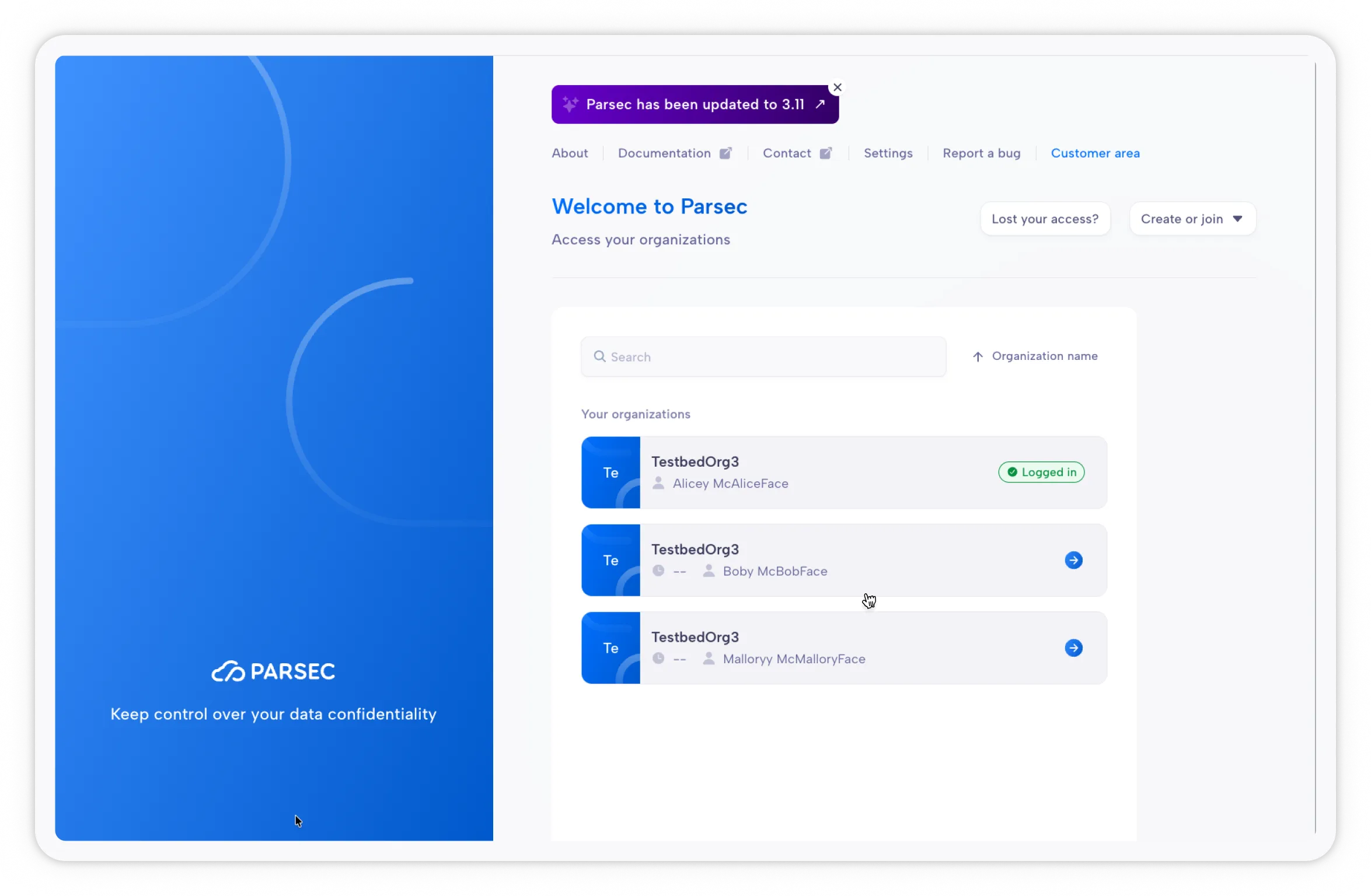
A “What’s New” banner after updates
Until now, the web app silently updated in the background with no indication that anything had changed, unlike the desktop app, which shows a dialog when a new version is available.
Starting with v3.11, you’ll see a notification banner letting you know the app has been updated to a newer version, with a link to find out what changed. You can always check whether you’re running the latest version from the About page.
A reworked built-in file editor
The integrated document editor has been substantially reworked for better performance and stability. Under the hood, there is a new, fully integrated editor, based on OnlyOffice, for upcoming improvements in collaborative editing.
The result? Your documents open faster and editing is more reliable. Your work is saved automatically every 10 minutes, so your changes are always up to date. And if a document can’t be opened, a clear message tells you so instead of leaving you without an explanation.
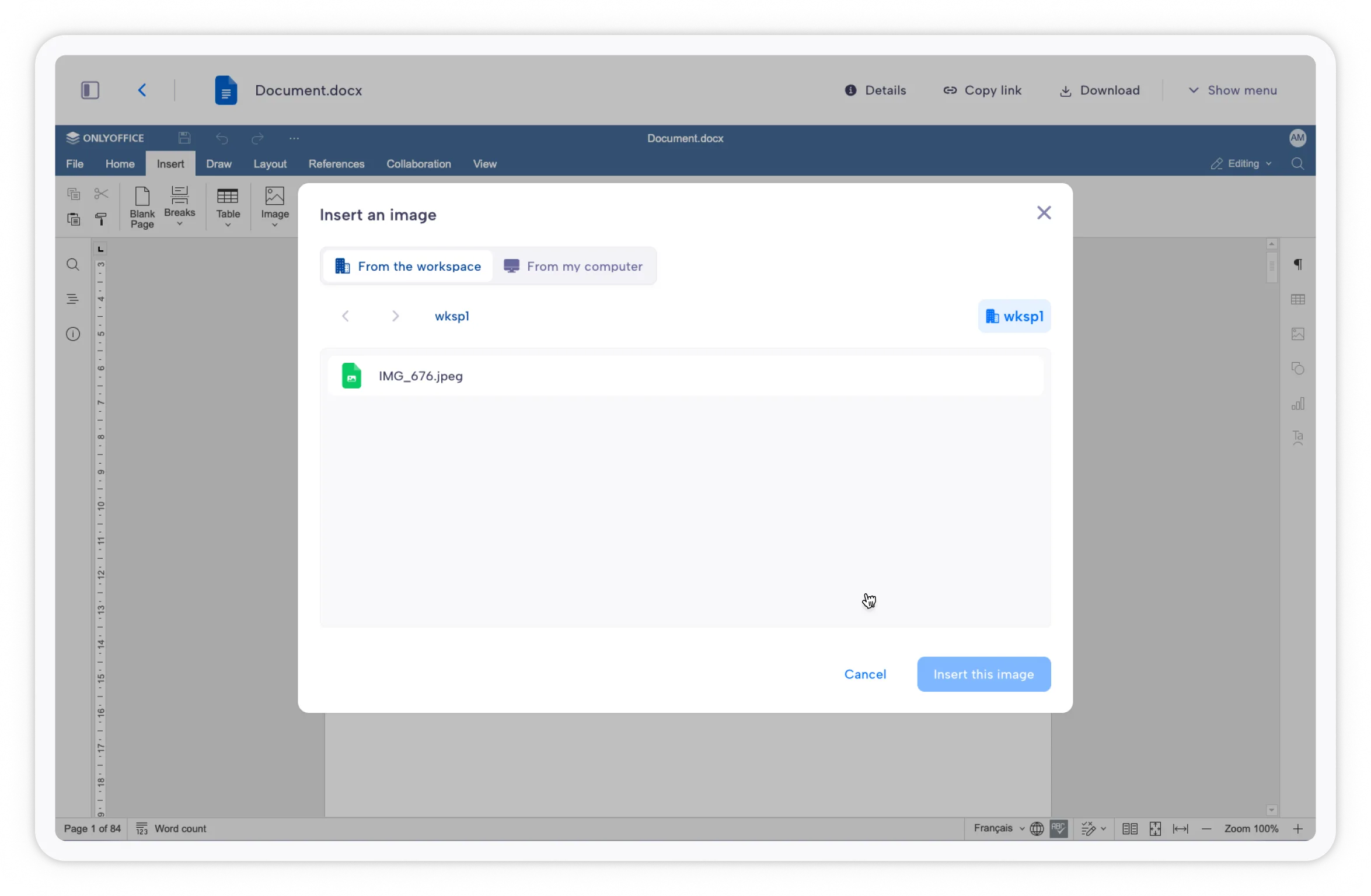
Insert images from your workspace or your PC
Editing a document and want to drop in a picture? You can now import images stored in the current workspace or directly from your computer.
A new, faster text and code editor
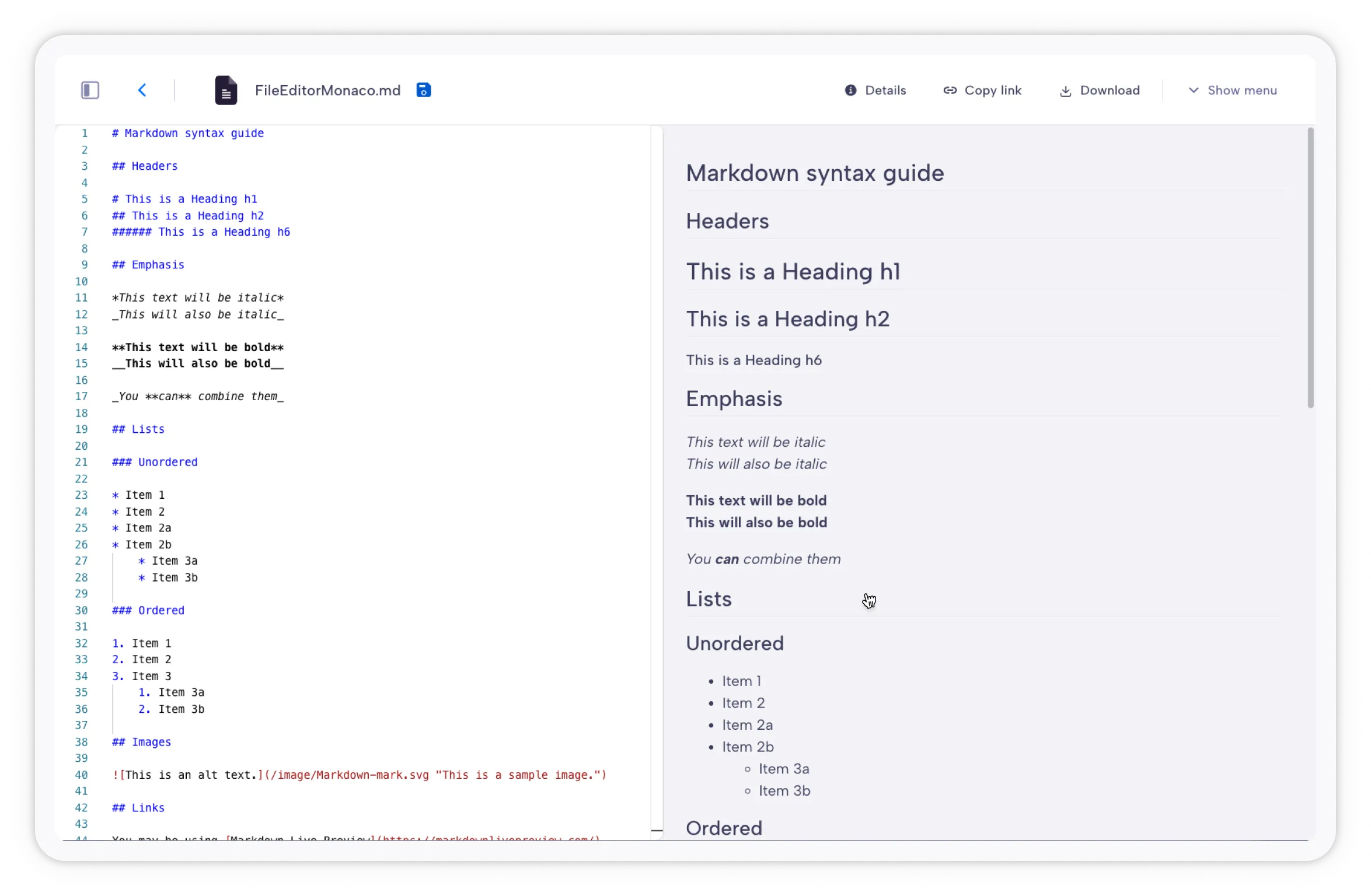
Plain-text and code files now open in Monaco - the same editor that powers popular development tools. It’s faster and more pleasant to use than the previous editor, with proper read-only mode for viewers and smarter detection of which files are editable.
The editor is integrated so your files are not transmitted anywhere; editing is always done locally on your computer.
More detailed and relevant information for Administrators
Pending user invitations now display which administrator created them, making it easy for admins to identify obsolete invitations and know who to contact before cleaning them up.
Timestamps are now shown with greater time precision (date and time) for file creation and last update, user join/revocation dates, and workspace archived/deletion dates - so you can tell exactly when a file was last modified, or when a teammate joined.
🐛 Bug Fixes
- Scrolling fixed on small displays. On smaller screens, a folder containing many files could be cropped, leaving some files unreachable when scrolling in list mode. This is now fixed.
- Recovery files status fixed. The recovery files section in your profile page no longer incorrectly shows as Inactive even when it’s properly set up.
- macOS installer icons fixed. Corrupted app icons in the .dmg title bar and the “Copying to Applications” window now display correctly.
🔧 Improvements Under the Hood
- The video player loads with improved display and stability.
- The web app starts faster - the startup path was streamlined, cutting down initial load time.
Sources
For more information, please check the complete list of changes on the changelog.
As always, update from the app itself - or grab the latest version from our Download page. Enjoy!
Start securing your sensitive data today
Enjoy a 15-day free trial — You can cancel anytime.